UI Feature
Security
Session Management
Track active sessions, manage concurrent logins, and enforce security policies across devices.
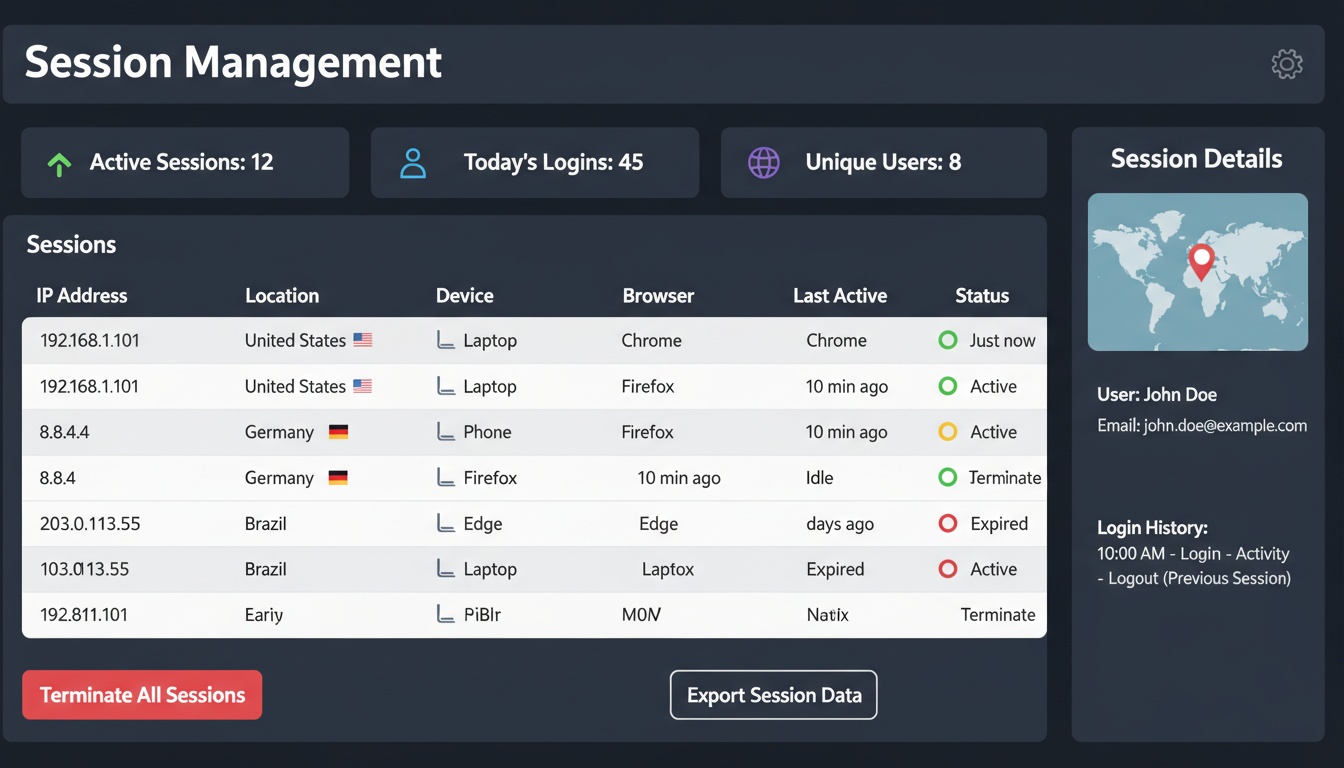
Active sessions dashboard with location and device information
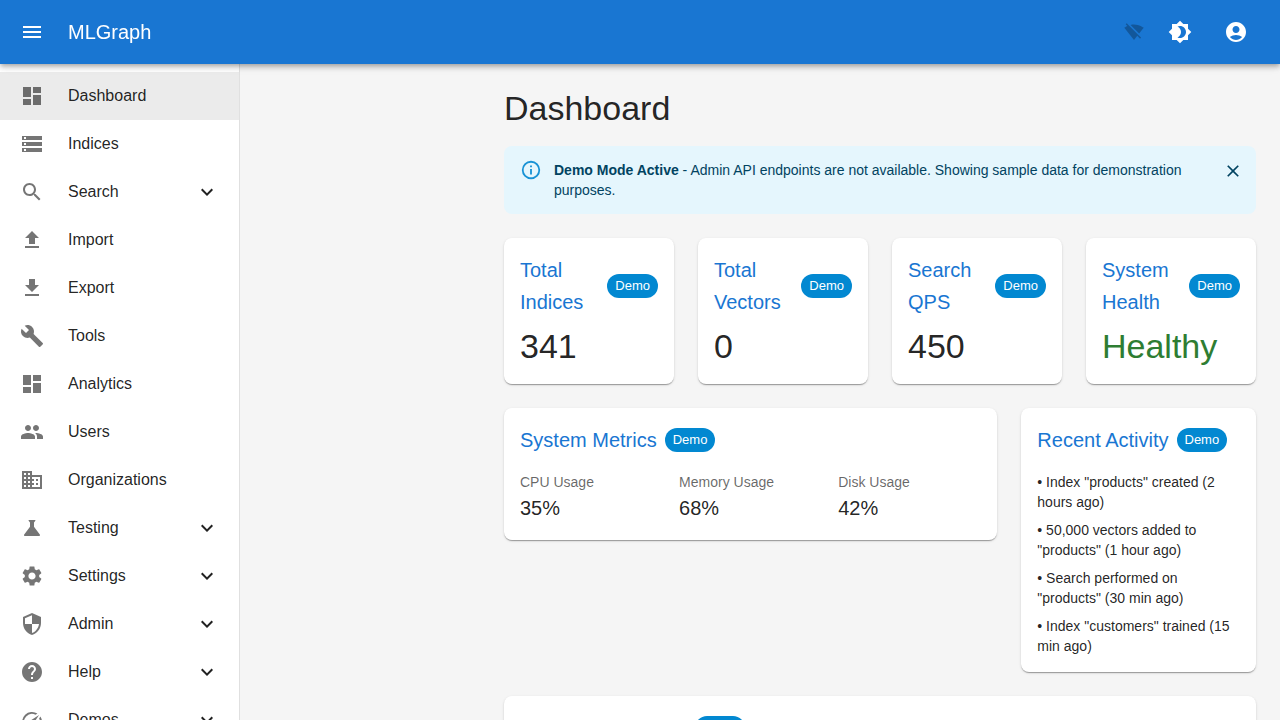
MLGraph dashboard view after successful authentication
Overview
Session management gives users and administrators visibility into active logins, the ability to revoke sessions, and controls over concurrent session limits. Geographic tracking helps identify suspicious access patterns.
Session Information
Device Details
- • Browser and version
- • Operating system
- • Device type (desktop/mobile/tablet)
- • Last activity timestamp
Location Data
- • IP address
- • City and country (GeoIP)
- • ISP/Organization
- • VPN/Proxy detection
Session Lifecycle
- • Created timestamp
- • Last active timestamp
- • Expiration time
- • Idle timeout
Security Status
- • MFA verified
- • Risk score
- • Suspicious activity flags
- • Auth method used
Session Policies
Configurable Limits
| Policy | Description | Default |
|---|---|---|
| maxConcurrentSessions | Max active sessions per user | 5 |
| sessionTimeout | Absolute session lifetime | 24h |
| idleTimeout | Inactivity timeout | 2h |
| requireMfaForNew | Require MFA for new devices | true |
Security Alerts
New Location Login
Email notification when login from new city/country
Concurrent Session Limit
Oldest session auto-revoked when limit exceeded
Impossible Travel
Alert when logins from distant locations within short time
API Example
// List active sessions
const sessions = await mlgraph.sessions.list();
// [{ id, deviceInfo, location, createdAt, lastActive, ... }]

// Revoke a specific session
await mlgraph.sessions.revoke(sessionId);

// Revoke all sessions except current
await mlgraph.sessions.revokeAll({ exceptCurrent: true });

// Get session policies
const policies = await org.getSessionPolicies();

// Update session policies (admin only)
await org.updateSessionPolicies({
  maxConcurrentSessions: 3,
  sessionTimeout: '12h',
  requireMfaForNew: true
});