API Feature
Authentication
OAuth2 Integration
Enable single sign-on with GitHub, Google, and custom OIDC providers for seamless authentication.
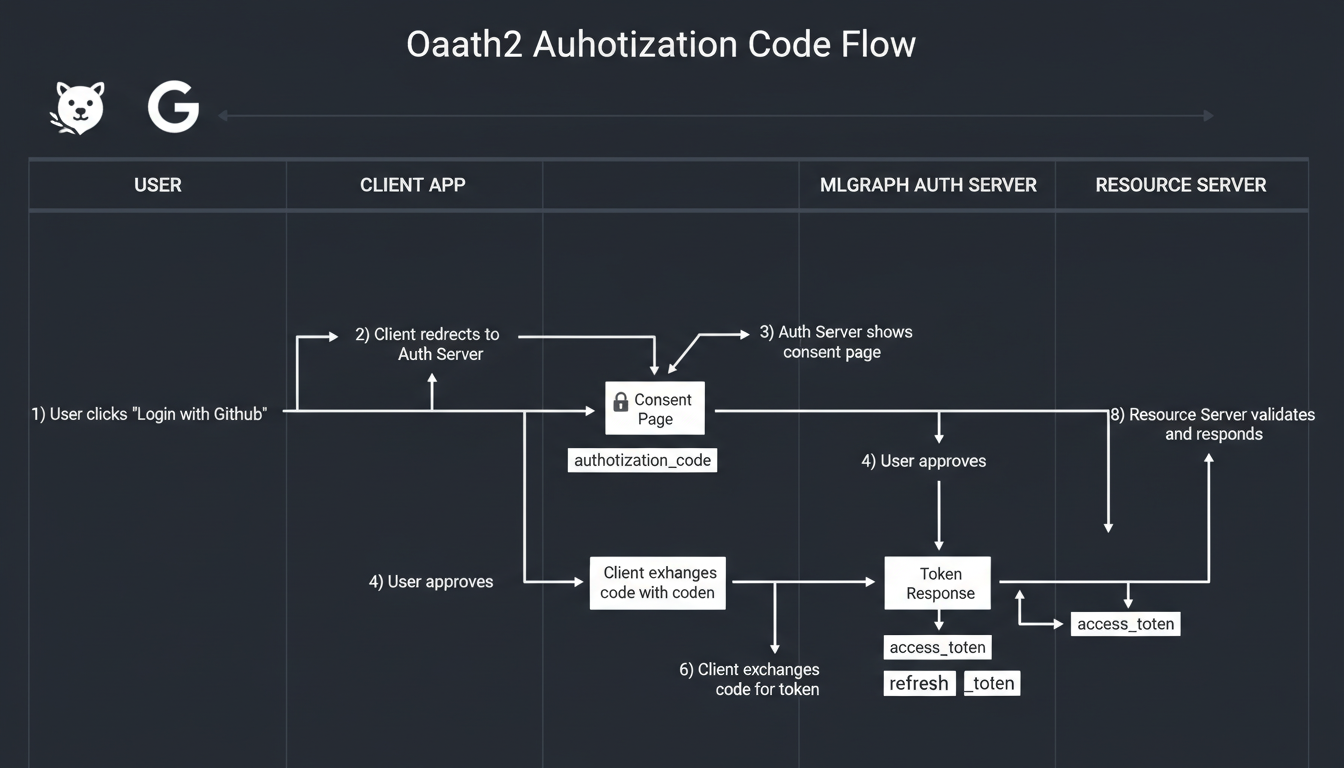
OAuth2 authorization code flow with PKCE
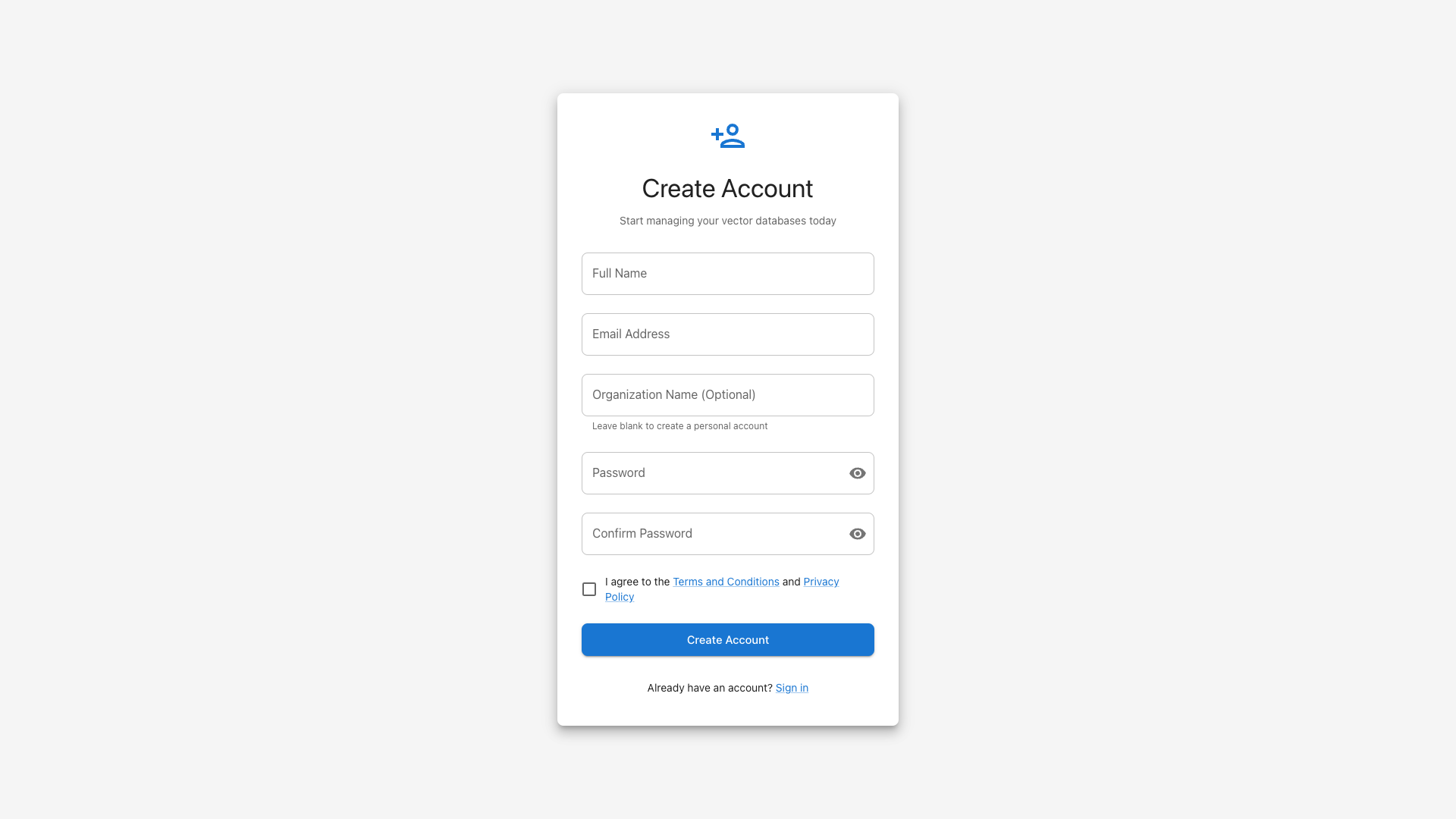
MLGraph user registration with OAuth2 options
Supported Providers
GitHub
- • OAuth App or GitHub App
- • Organization membership check
- • Team-based permissions
- • Email verification
- • Google Workspace integration
- • Domain restriction
- • Profile sync
- • Refresh token rotation
Custom OIDC
- • Any OIDC-compliant IdP
- • Okta, Auth0, Azure AD
- • Custom claim mapping
- • JIT user provisioning
SAML 2.0
- • Enterprise SSO
- • SP-initiated flow
- • Attribute mapping
- • Signed assertions
Authorization Flow
MLGraph uses the Authorization Code flow with PKCE for enhanced security. This prevents authorization code interception attacks.
// 1. Generate PKCE challenge
const verifier = generateRandomString(64);
const challenge = base64url(sha256(verifier));

// 2. Redirect to OAuth provider
const authUrl = new URL('https://github.com/login/oauth/authorize');
authUrl.searchParams.set('client_id', CLIENT_ID);
authUrl.searchParams.set('redirect_uri', REDIRECT_URI);
authUrl.searchParams.set('scope', 'user:email read:org');
authUrl.searchParams.set('code_challenge', challenge);
authUrl.searchParams.set('code_challenge_method', 'S256');
authUrl.searchParams.set('state', generateState());

// 3. Exchange code for tokens (on callback)
POST /api/auth/oauth/callback
Body: {
  code: "auth_code_from_callback",
  state: "state_from_callback",
  code_verifier: verifier,
  provider: "github"
}
Response: {
  accessToken: "mlg_...",
  refreshToken: "mlg_refresh_...",
  user: { id, email, name, avatar }
}
Client Credentials Flow
For server-to-server communication, use the client credentials grant:
// Request access token
POST /api/oauth/token
Content-Type: application/x-www-form-urlencoded

grant_type=client_credentials
&client_id=your_client_id
&client_secret=your_client_secret
&scope=indexes:read search:execute

Response:
{
  "access_token": "mlg_...",
  "token_type": "Bearer",
  "expires_in": 3600,
  "scope": "indexes:read search:execute"
}
Provider Configuration
Organization Settings
{
  "sso": {
    "enabled": true,
    "providers": ["github", "google"],
    "github": {
      "clientId": "Iv1.xxx",
      "clientSecret": "xxx",
      "allowedOrgs": ["your-company"],
      "requiredTeam": "engineering"
    },
    "google": {
      "clientId": "xxx.apps.googleusercontent.com",
      "clientSecret": "xxx",
      "allowedDomains": ["yourcompany.com"]
    },
    "defaultRole": "developer",
    "autoProvision": true
  }
}