API Feature
Security
Multi-Factor Authentication
Add an extra layer of security with TOTP-based MFA, backup codes, and trusted device management.
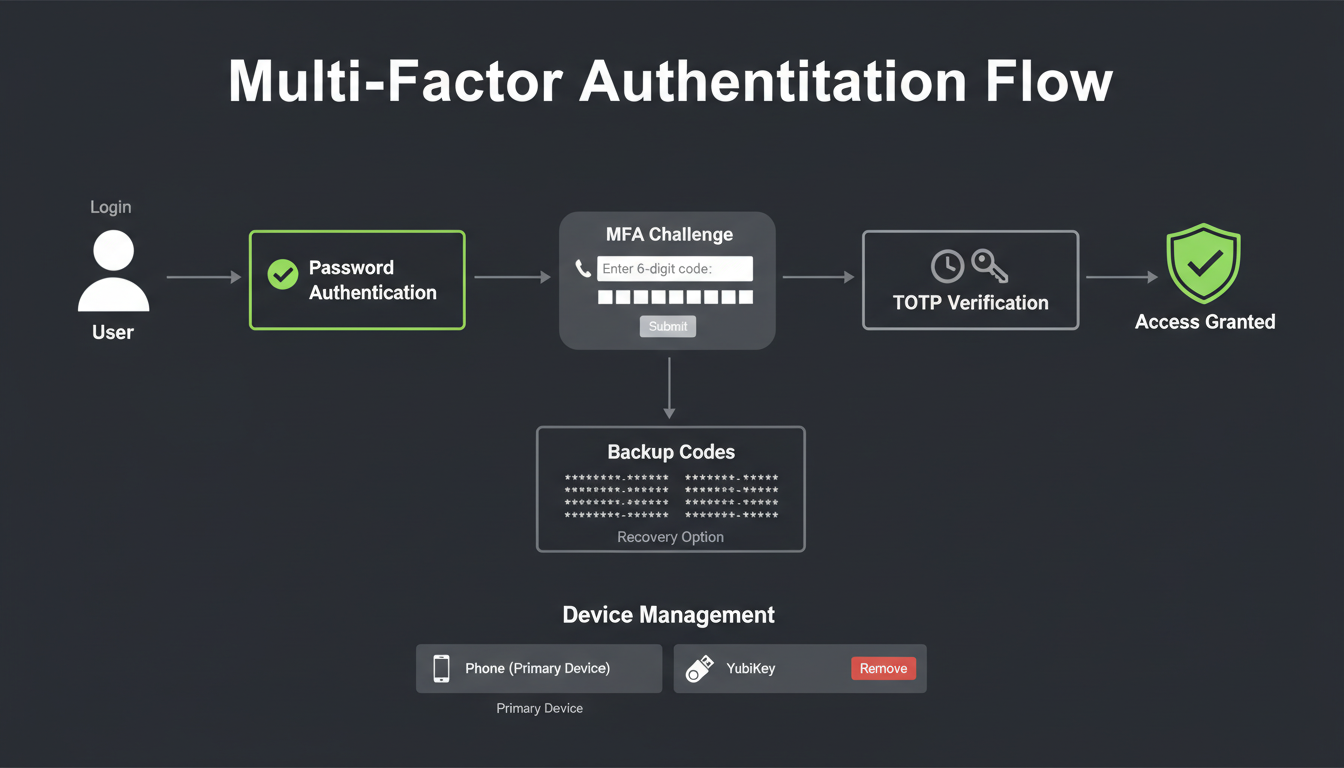
MFA enrollment and verification workflow
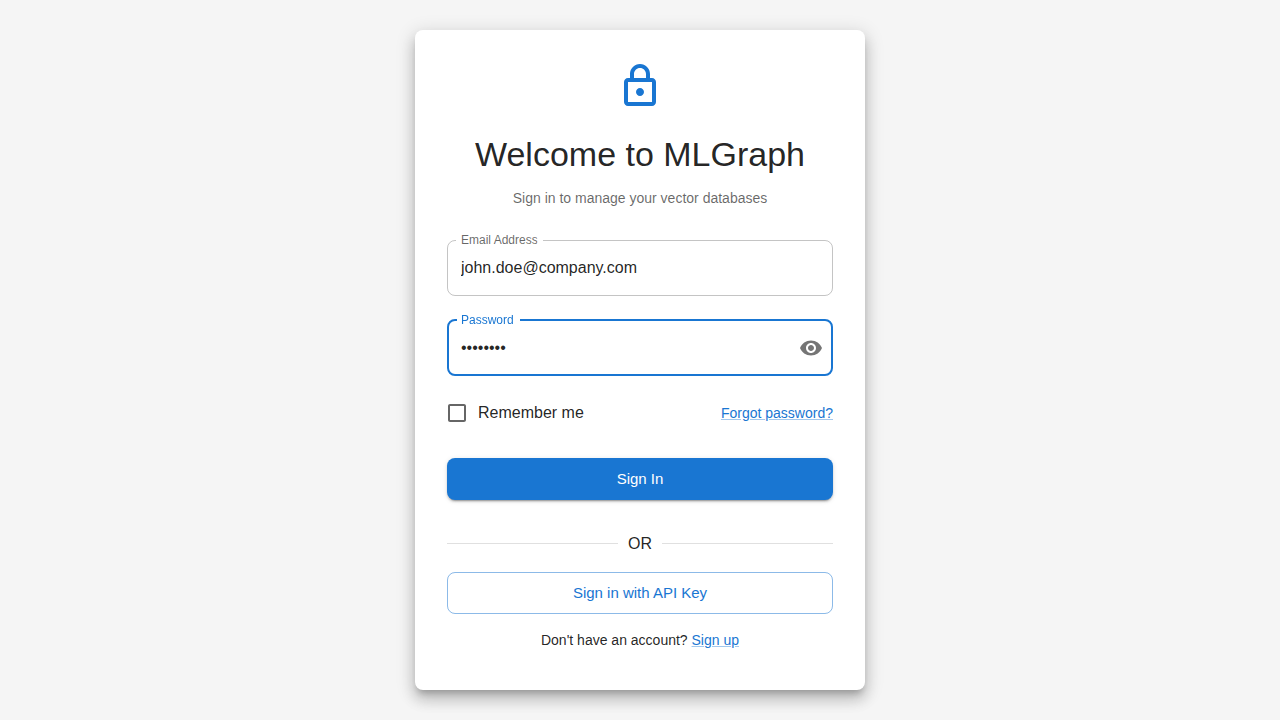
MLGraph login form with credential entry
Overview
MLGraph supports Time-based One-Time Password (TOTP) authentication compatible with Google Authenticator, Authy, 1Password, and other standard authenticator apps. MFA can be optional, encouraged, or mandatory based on organization policy.
MFA Methods
TOTP AuthenticatorPrimary
- • 6-digit codes, 30-second rotation
- • Works offline
- • Standard RFC 6238
- • QR code enrollment
Backup Codes
- • 10 single-use codes
- • For device loss recovery
- • Regenerate anytime
- • Secure storage recommended
Enrollment Flow
1
Generate Secret
Server generates TOTP secret and QR code
2
Scan QR Code
User scans with authenticator app
3
Verify Code
Enter code from app to confirm setup
4
Save Backup Codes
Store recovery codes securely
API Endpoints
// Start MFA enrollment
POST /api/auth/mfa/enroll
Response: { secret, qrCodeUrl, backupCodes }

// Verify and activate MFA
POST /api/auth/mfa/verify
Body: { code: "123456" }
Response: { success: true, mfaEnabled: true }

// Login with MFA
POST /api/auth/login
Body: { email, password }
Response: { requiresMfa: true, mfaToken: "..." }

POST /api/auth/mfa/challenge
Body: { mfaToken: "...", code: "123456" }
Response: { accessToken, refreshToken }

// Use backup code
POST /api/auth/mfa/backup
Body: { mfaToken: "...", backupCode: "XXXX-XXXX" }

// Regenerate backup codes
POST /api/auth/mfa/backup/regenerate
Response: { backupCodes: [...] }

// Disable MFA (requires current TOTP)
DELETE /api/auth/mfa
Body: { code: "123456" }
Organization Policies
Enforcement Levels
- Optional: Users can enable MFA if they choose
- Encouraged: Prompts shown, but not required
- Required: Must enable MFA within 7 days
- Enforced: Cannot access until MFA enabled